Your AI. Your infrastructure.
Your rules.
One workspace for chat, documents, agents, and knowledge, running on infrastructure you control. Open source under the MIT License.
Less switching.
More getting somewhere.
From a first question to finished work. Explore the real interface, one capability at a time.
- Chat & citations
- Drafts & documents
- Spreadsheets
- Agents
- Knowledge & tools
- Automations
- Models
- Audit & analytics
Answers with receipts.
Web-grounded chat with real citations and a work trace you can inspect.
- Sources you can follow
- Visible work traces
- Session-level token transparency
The whole picture.
In 60 seconds.
How conversation, creation, and control fit together.
Power where you need it.
Boundaries where they matter.
Platform owners set the ceilings. Tenant admins manage their workspace. People work within explicit grants.
Run the platform.
Configure providers, models, and platform-wide policy for the whole deployment.
- Providers & masked API key vault
- Organization-wide model catalog & routing
- Branding & organization controls
- Platform analytics & audit
Governance you can inspect.
Not just a promise.
Fail closed.
Deployments require a unique signing secret. Development shortcuts stay off.
Keep keys controlled.
Masked by default. Only owners reveal, rotate, or delete provider keys.
Follow the trail.
Audit records, analytics, and CSV export for administrative activity.
Bring your identity.
OIDC for Entra ID, Google Workspace, and Okta, with SCIM provisioning.
Read the real status.
Connection tests report what the provider actually returned.
Own the foundation.
Your servers, your data, and outbound access limited to approved hosts.
Find your way.
Then make it your own.
Guides for every role, from your first chat to a production deployment.
Open the guideClone it. Run it. Improve it.
Free to use under the MIT License. Adapt it, run it on infrastructure you control, and contribute improvements back.
Clone the public source
Start directly from the GitHub repository.
Configure a real deployment
Set a unique signing secret and bring your own model providers.
Make it fit your organization
Identity, model policy, connectors, roles, and branding.
Contribute back
Open a focused pull request to dev;
maintainers handle the release.
Use, study, copy, modify, share, and sell under the MIT License.
- Public repository and source access
- Internal use, modification, rebranding, and forks
- Public distribution with the MIT notice
- Commercial use, hosting, and resale
Understand the MIT License terms Read the license
MIT License
Aperture Chat is open source under the MIT License. Anyone, including individuals, nonprofits, and companies, may use, copy, modify, merge, publish, distribute, sublicense, and sell it, privately or publicly.
Distribution
Include the copyright notice and the MIT permission notice in all copies or substantial portions of the software. Nothing else is required: no attribution inside the product, its interface, or its README.
Commerce
Commercial use is allowed without restriction, including selling, hosting, supporting, white-labeling, and reselling AI-model usage.
Branding and warranty
Forks may use their own product name and visual identity. The software is provided as-is, without warranty. The repository license controls if any summary differs.
Get merged.
Pick your gear.
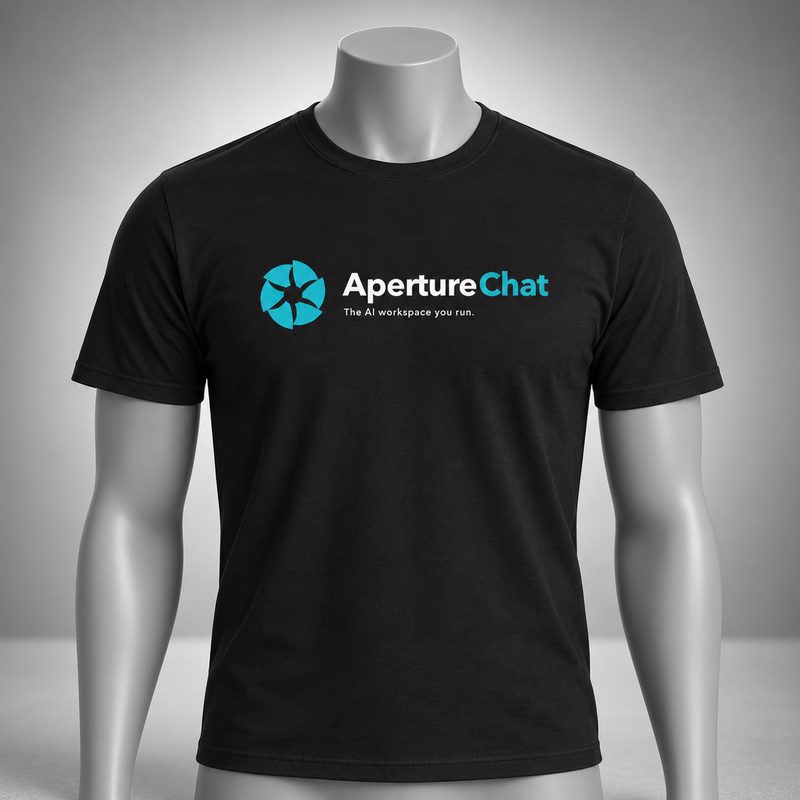
When code you contribute is merged into the main codebase, choose an Aperture Chat shirt or cap, on us.
To claim yours, leave a comment on your merged pull request.
Read the contribution workflow